Clevershot for Mac
Features, all of them.
Everything Clevershot does after you press ⇧⌘4, from the name it writes to the toolkit in your menu bar. All on your Mac.
Essentials
What Clevershot does every time you press ⇧⌘4.
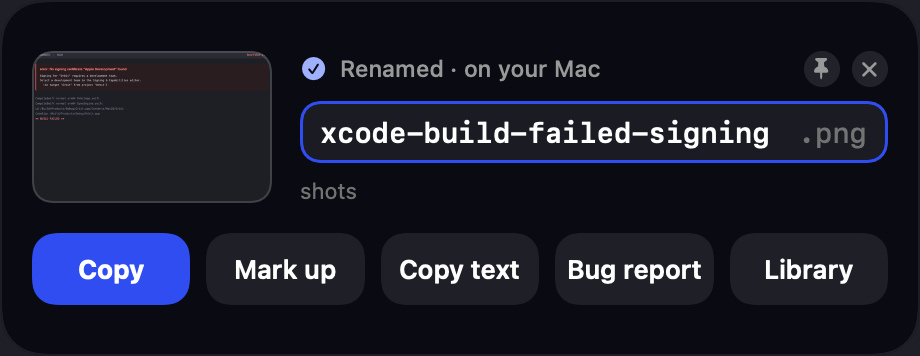
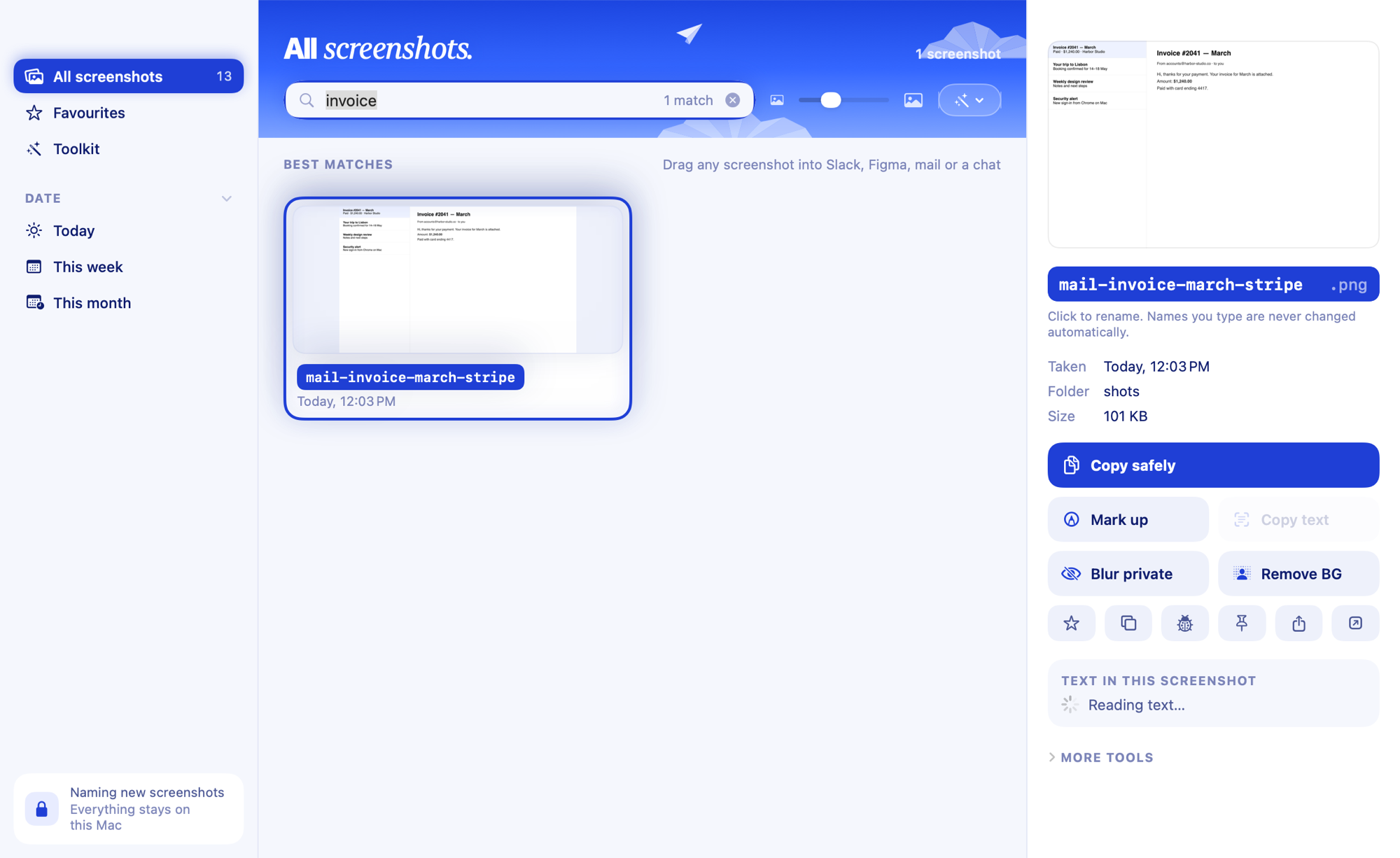
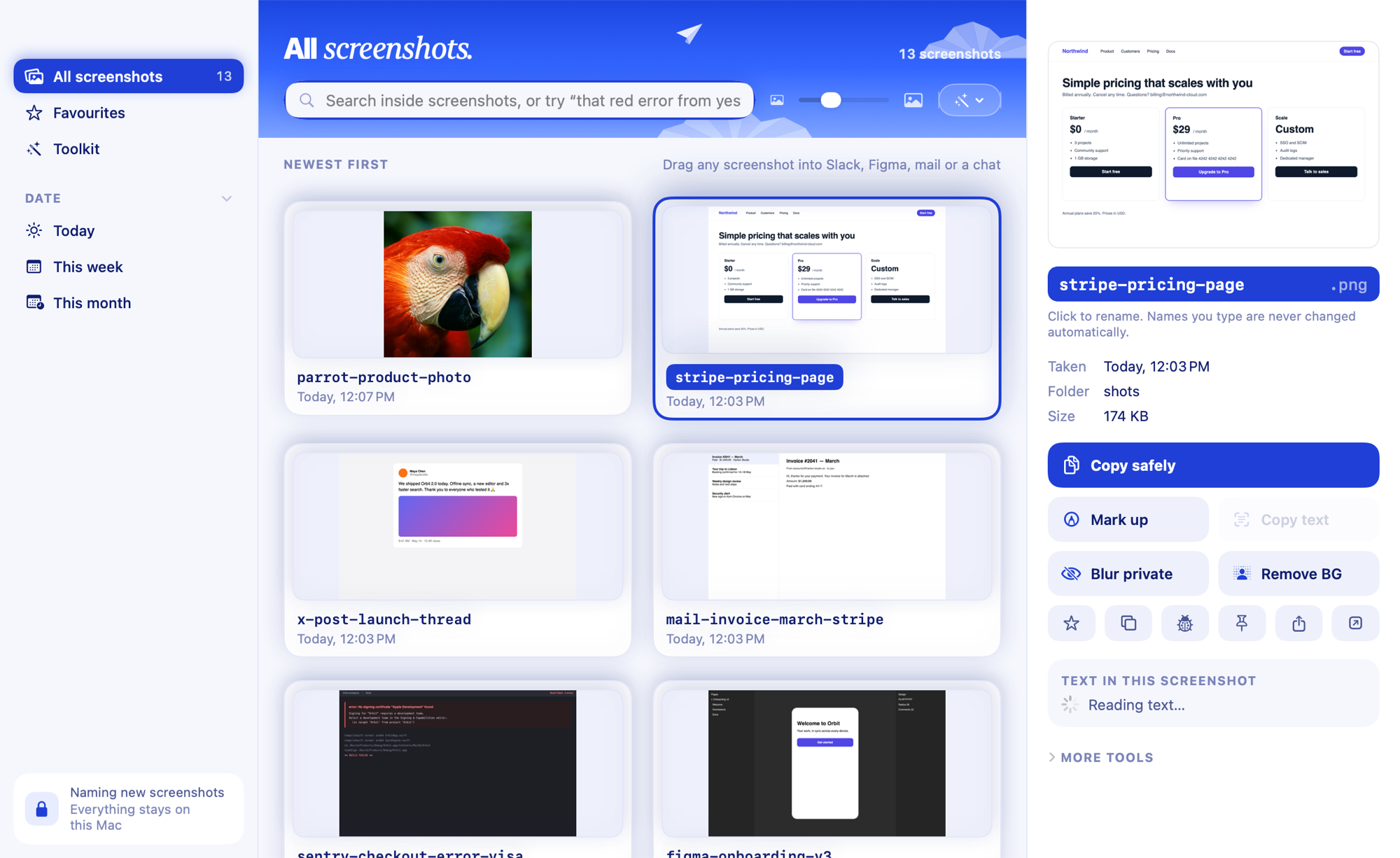
AI namingEvery screenshot gets a real name from what's in it, a second after ⇧⌘4.See how it works Search inside screenshotsType any word you remember seeing. The screenshot that contains it comes up.See how it works Redact and safe copyOne switch turns emails, keys and card numbers into a mosaic in everything you copy.See how it works LibraryEvery screenshot in one window, newest first, with everything you can do to it.See how it works EditorHighlights that snap to words, steps, arrows, text and a pixel pen.See how it works

Keep it tidy
Your names, your old pile and a clear Desktop.
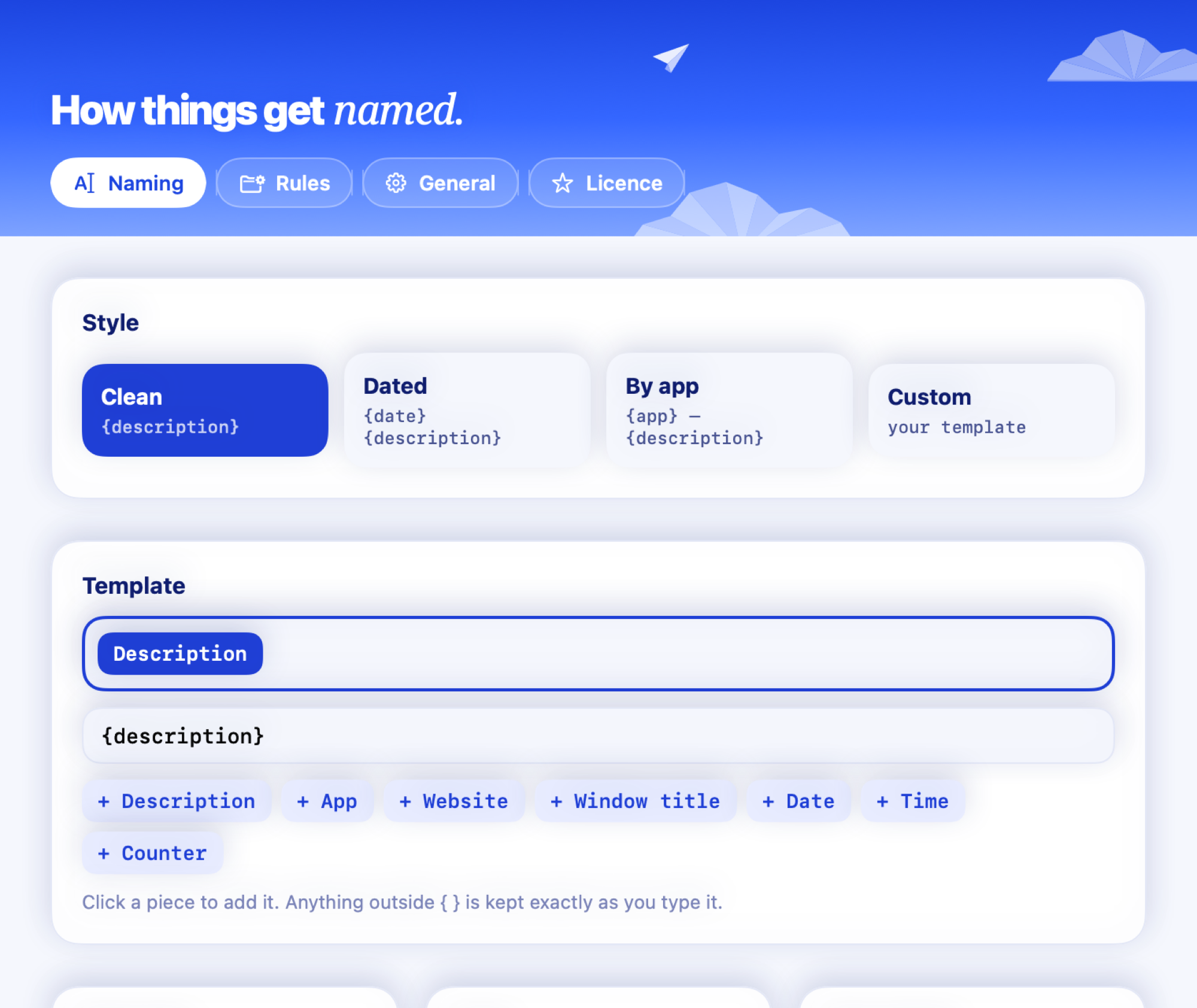
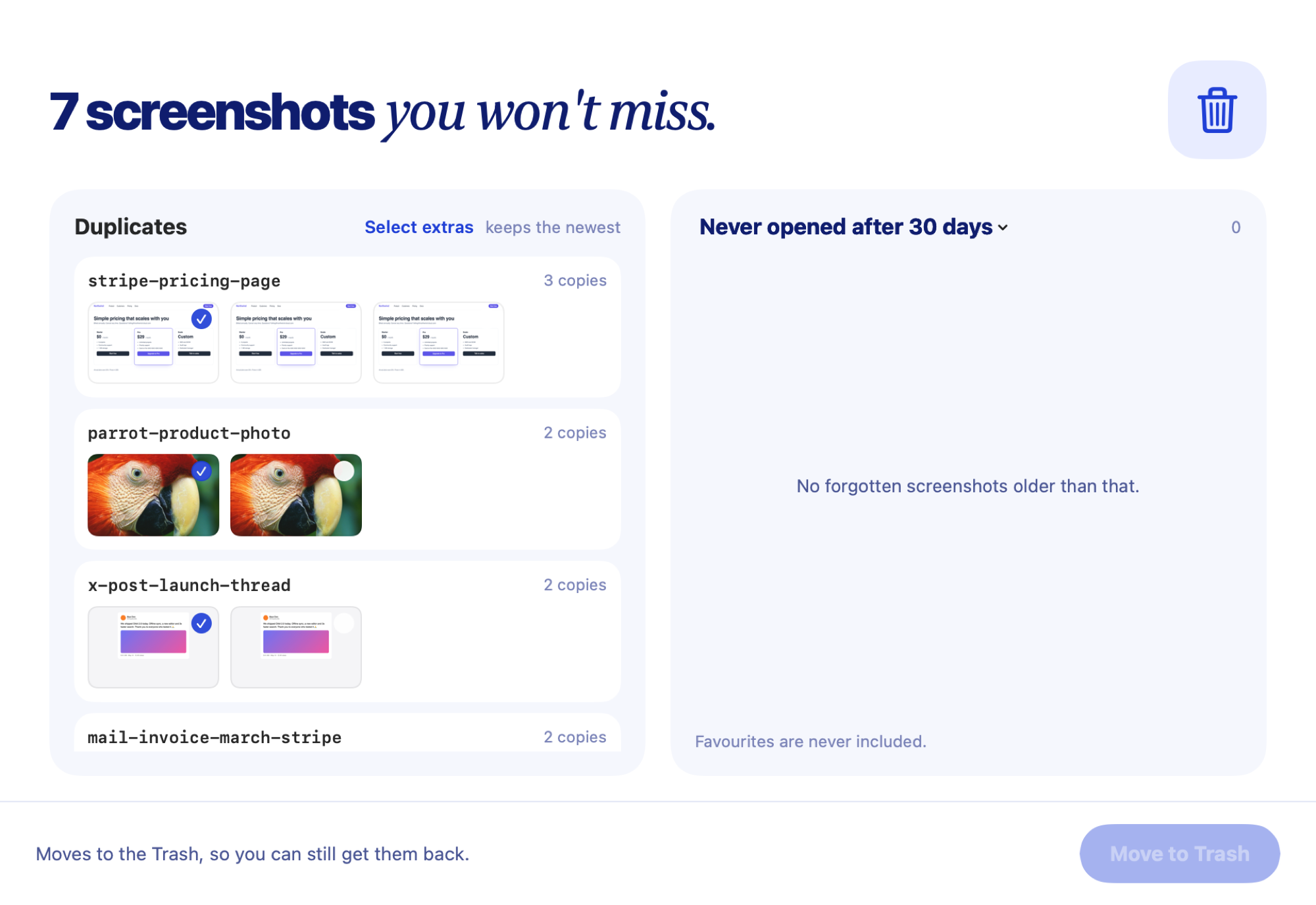
Your naming styleClean, Dated, By app or your own template, with per-app rules.See how it works Auto-tidyScreenshots leave the Desktop after a day and stay searchable.See how it works Clean upFind duplicates and screenshots you never opened, and clear them in one go.See how it works Rename old screenshotsGive the pile you already have real names, all at once.See how it works
Toolkit
Everything else you do with screenshots.
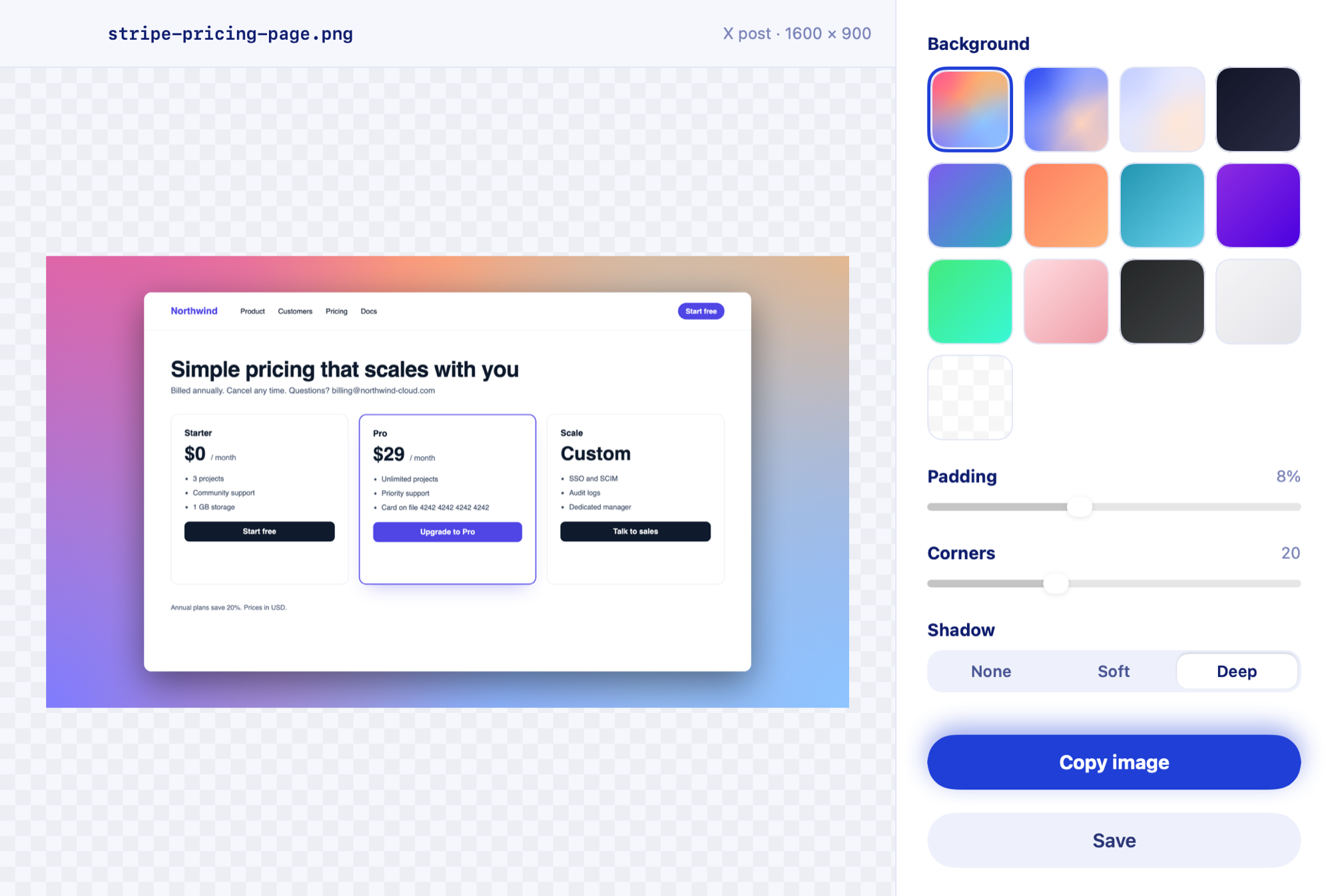
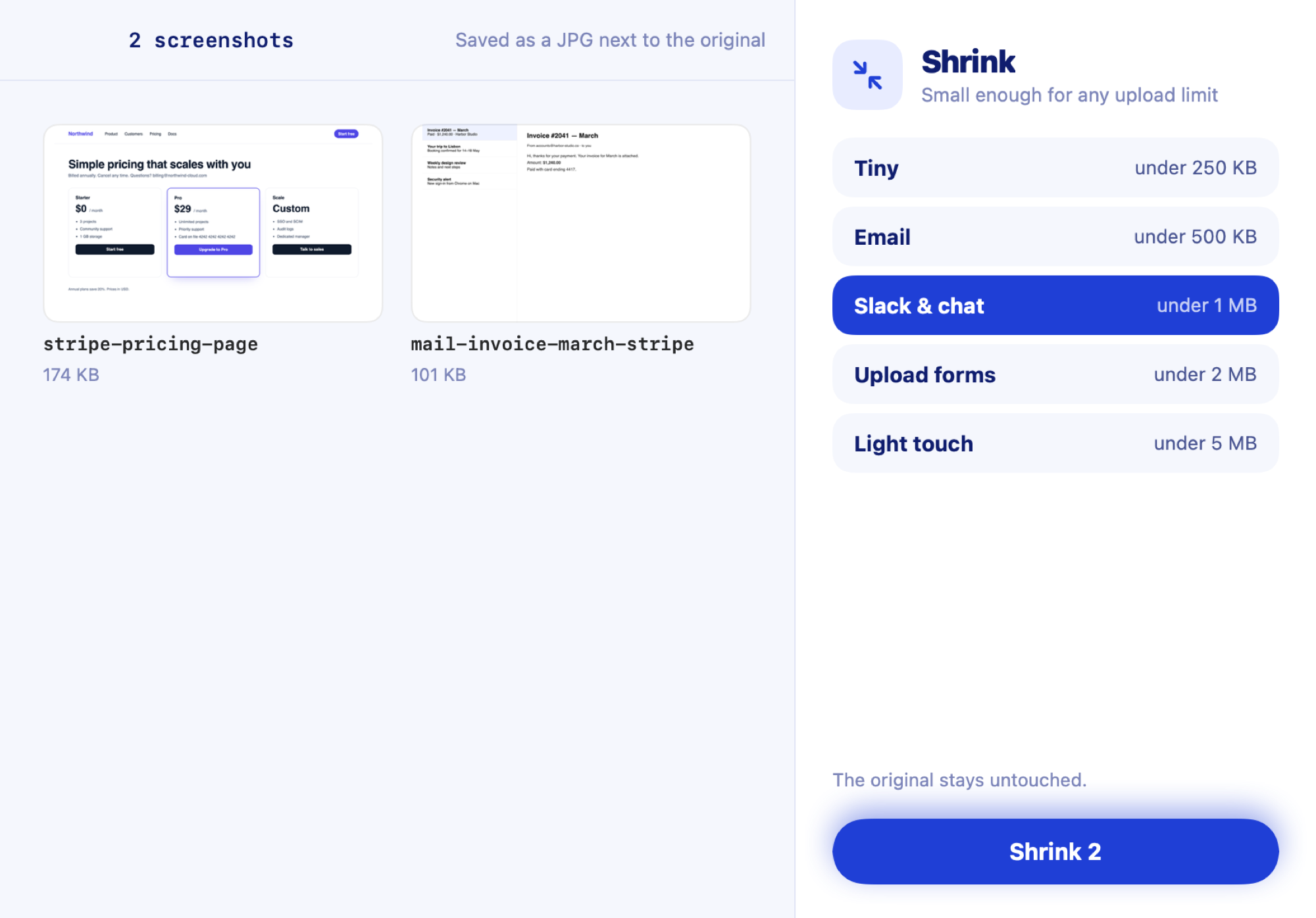
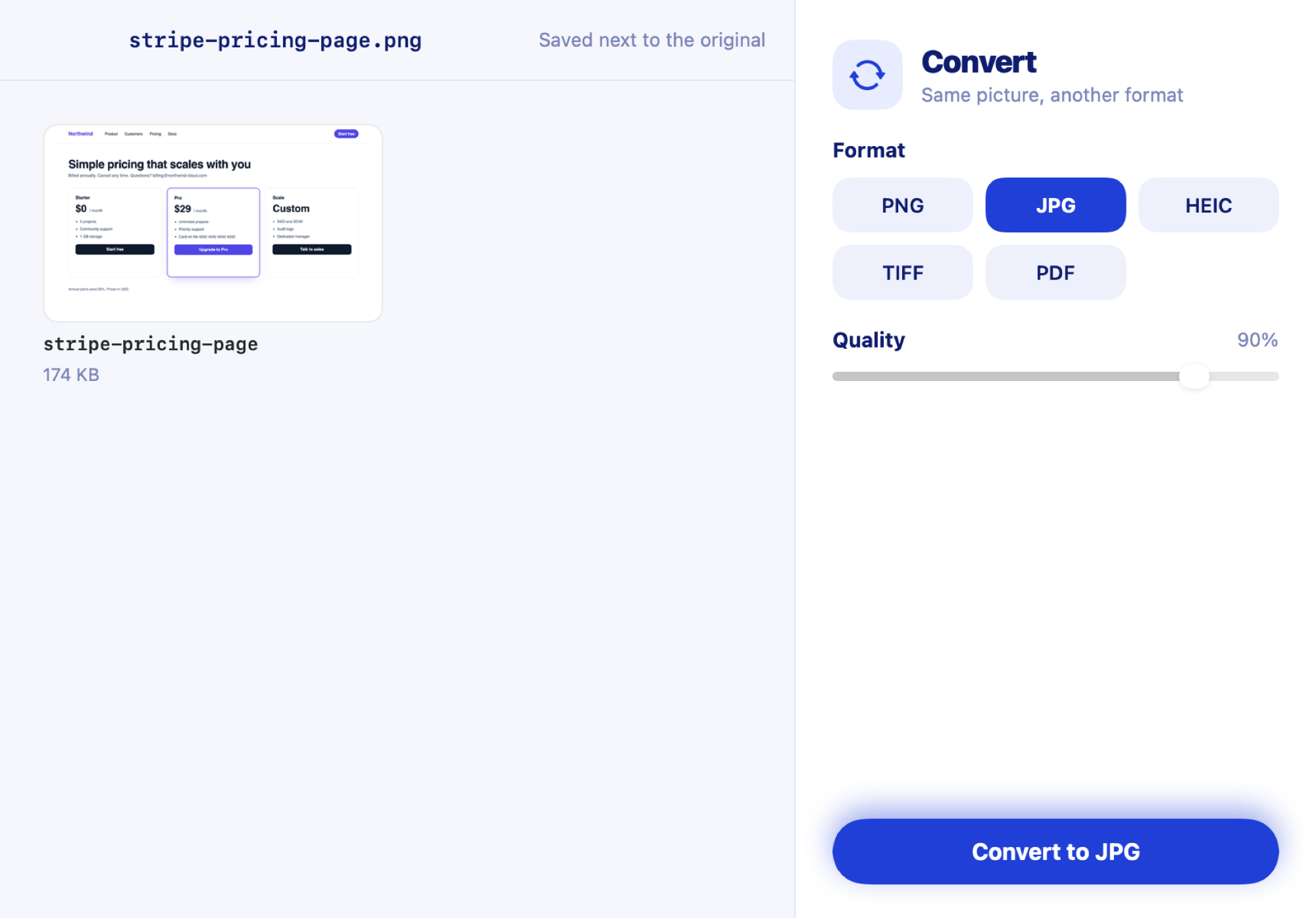
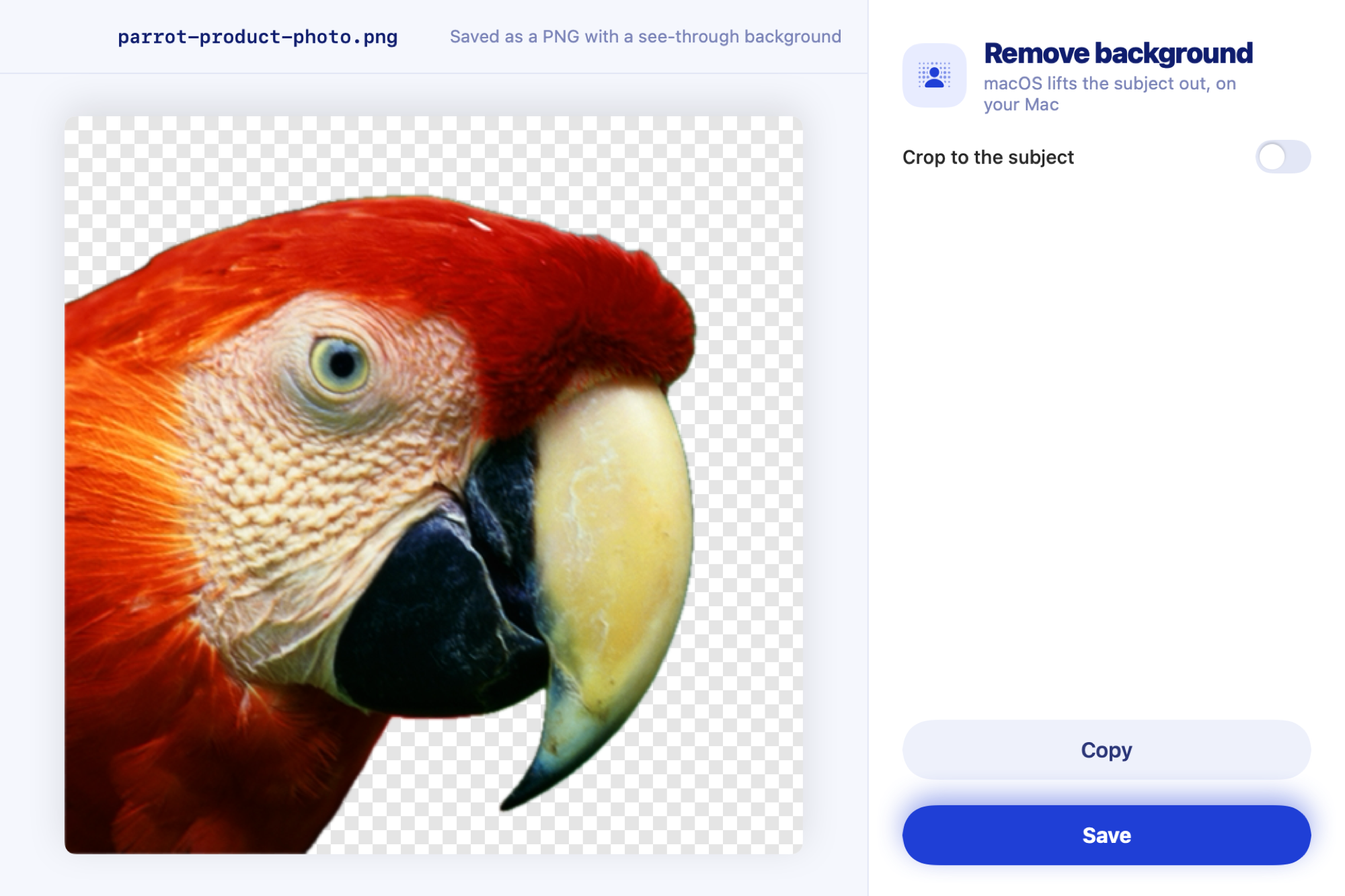
BeautifyA background, padding, corners and a shadow, sized for X or LinkedIn.See how it works ShrinkSmall enough for Slack, email or any upload limit.See how it works Convert and combinePNG, JPG, HEIC, TIFF or PDF, or several merged into one PDF.See how it works Cut out the subjectLift a person, product or logo out of a picture into a see-through PNG.See how it works Scrolling screenshotsA whole long page, chat or document as one tall image.See how it works Bug reportsA screenshot of an error, turned into a report for GitHub, Linear or Slack.See how it works Pin and colour pickerFloat a screenshot above your windows, or pick any colour on screen.See how it works