What is Clevershot?
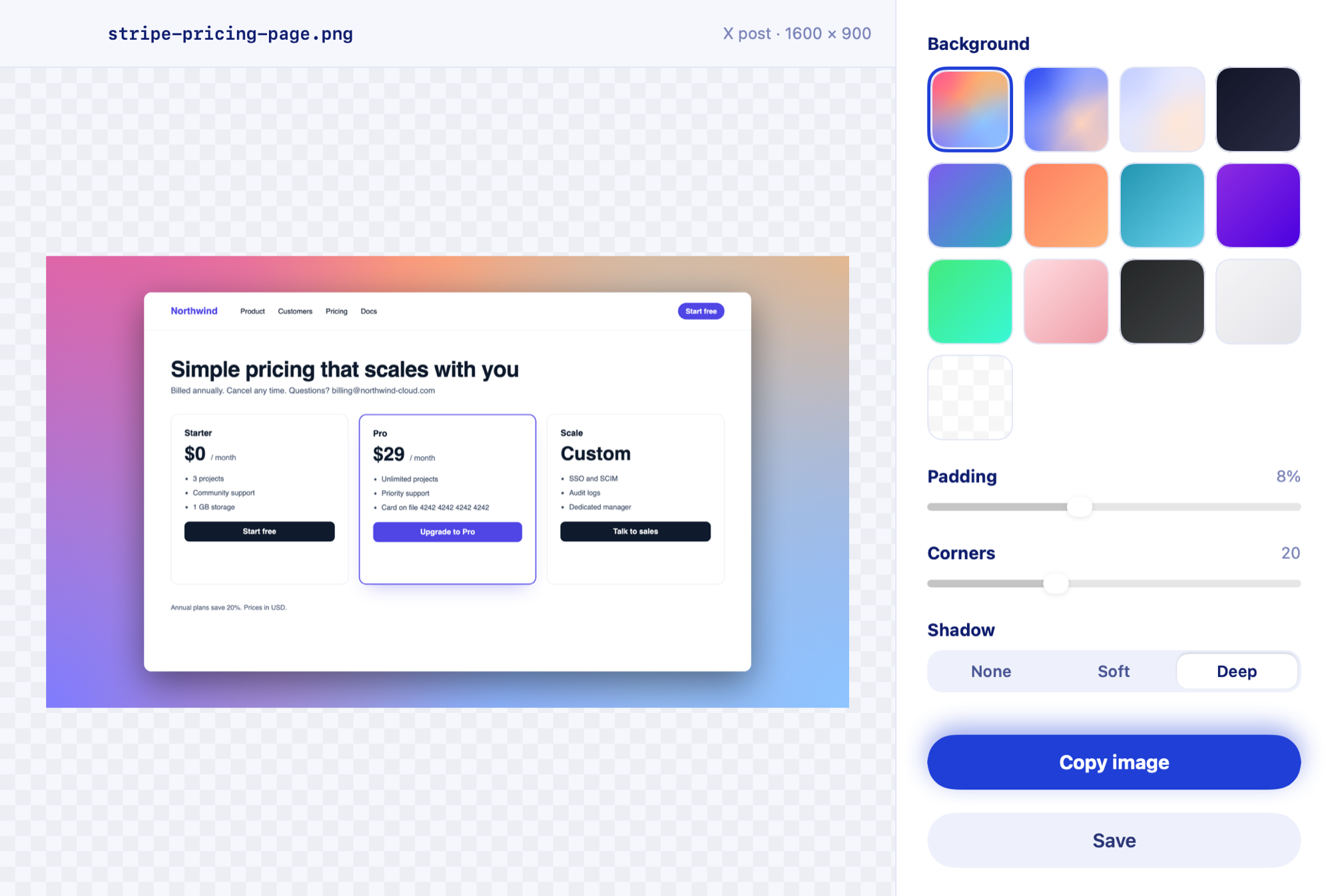
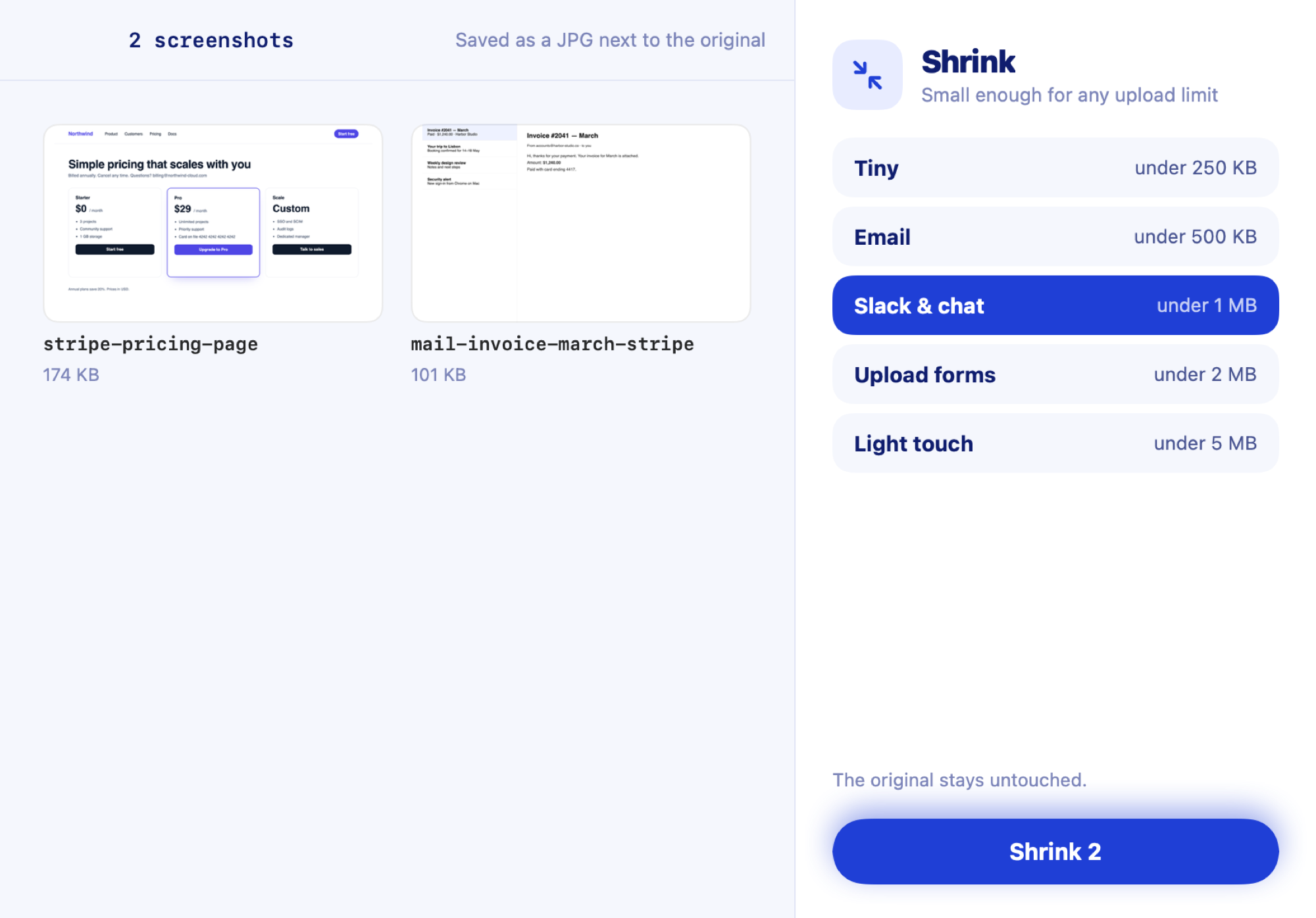
Clevershot is a screenshot manager for Mac. It files, names and indexes every screenshot you take, lets you search the text inside them, and adds markup, redaction and sharing tools. It works with ⇧⌘4, runs entirely on your Mac, and costs $7 once at launch ($10 after), with no subscription.
How do I rename screenshots automatically on a Mac?
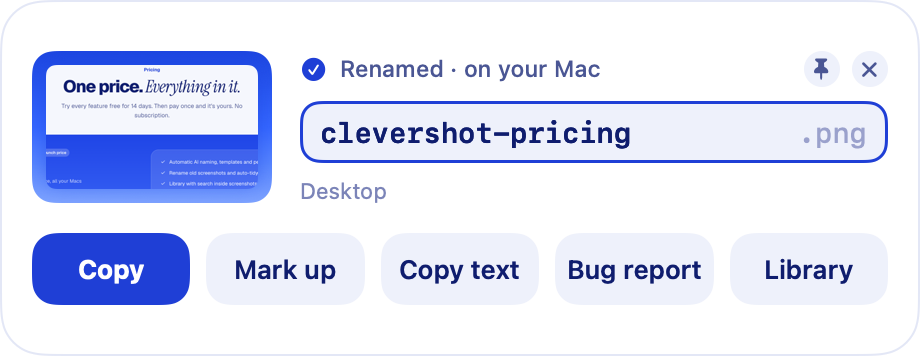
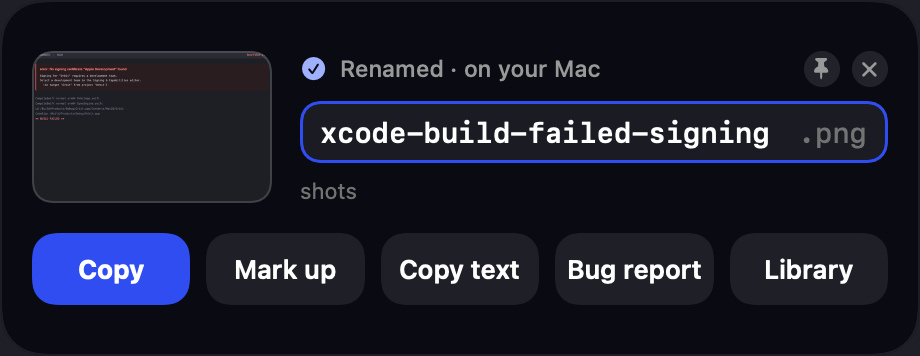
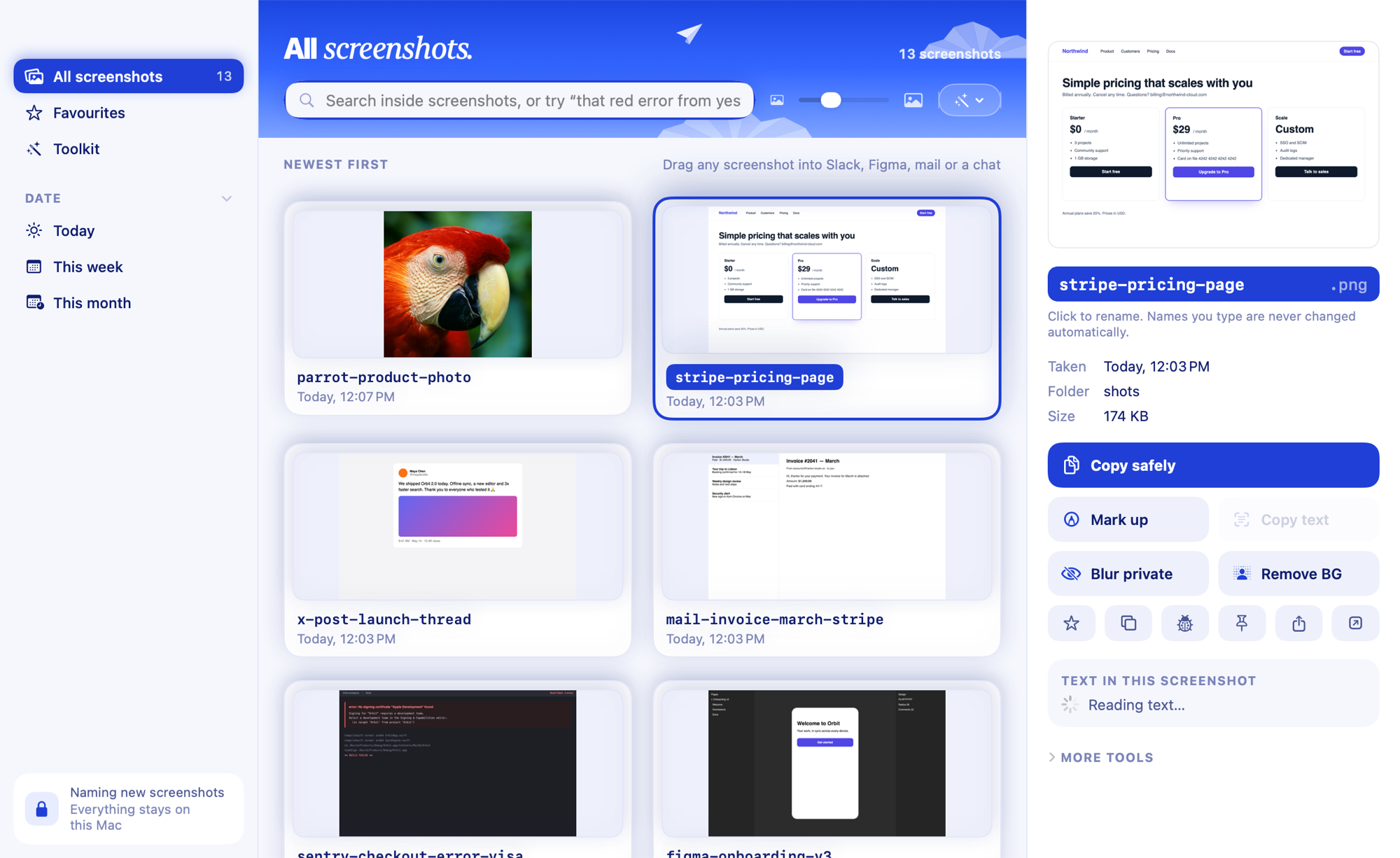
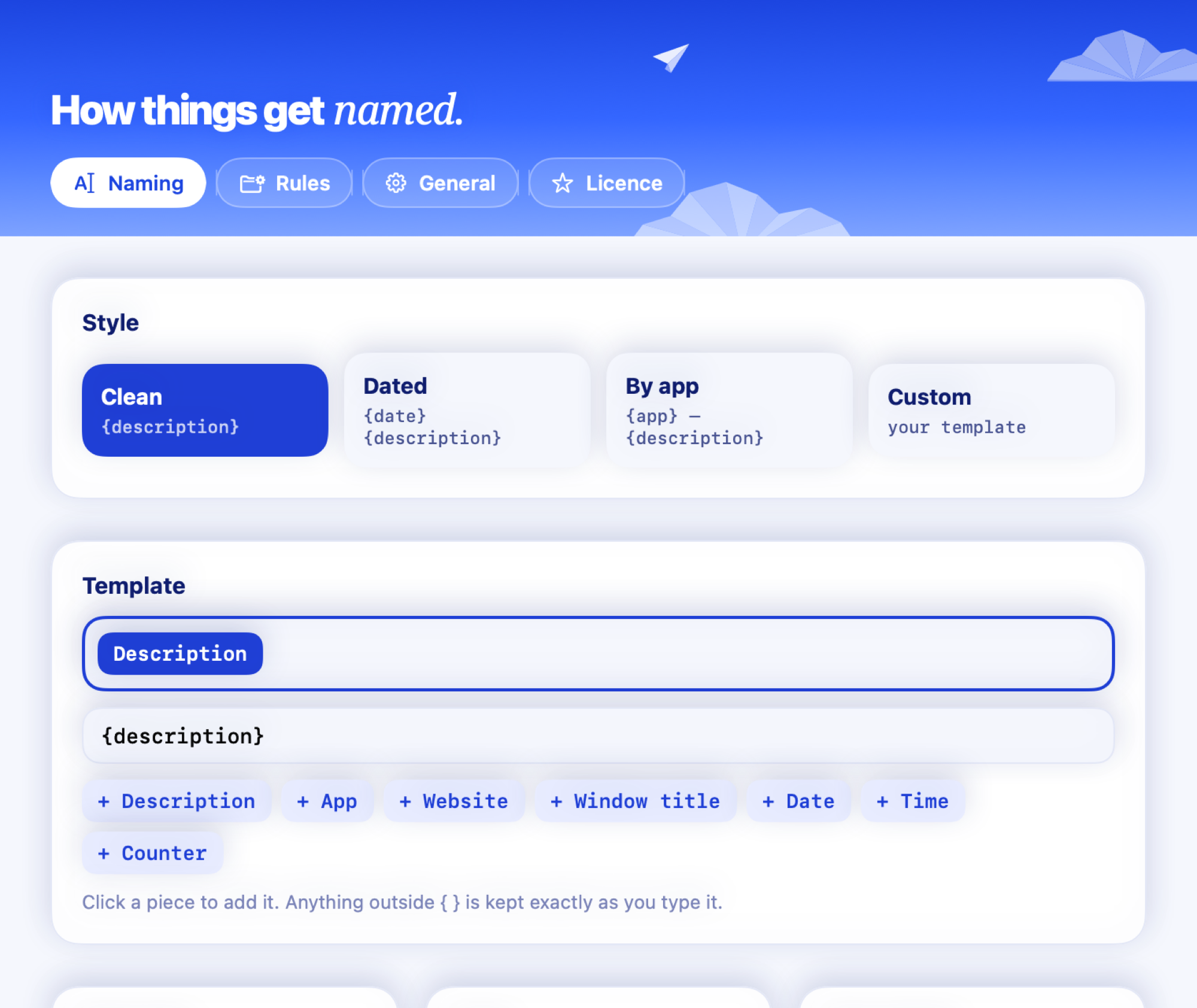
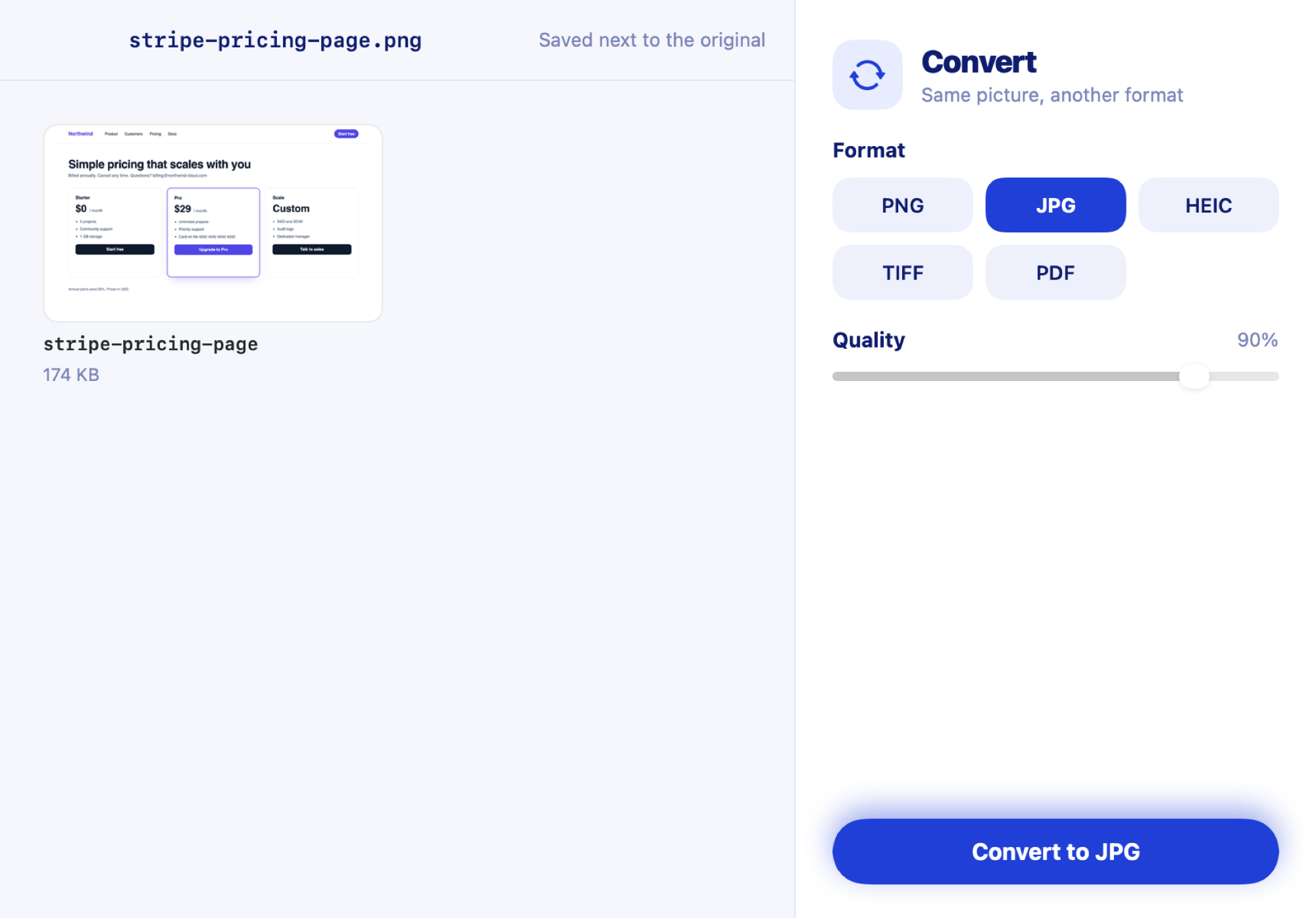
Install Clevershot and keep taking screenshots with ⇧⌘4. Each new screenshot is renamed by what’s in it, like stripe-pricing-page.png, within seconds. You choose the style: Clean, Dated, By app or your own template.
Can I search the text inside my screenshots?
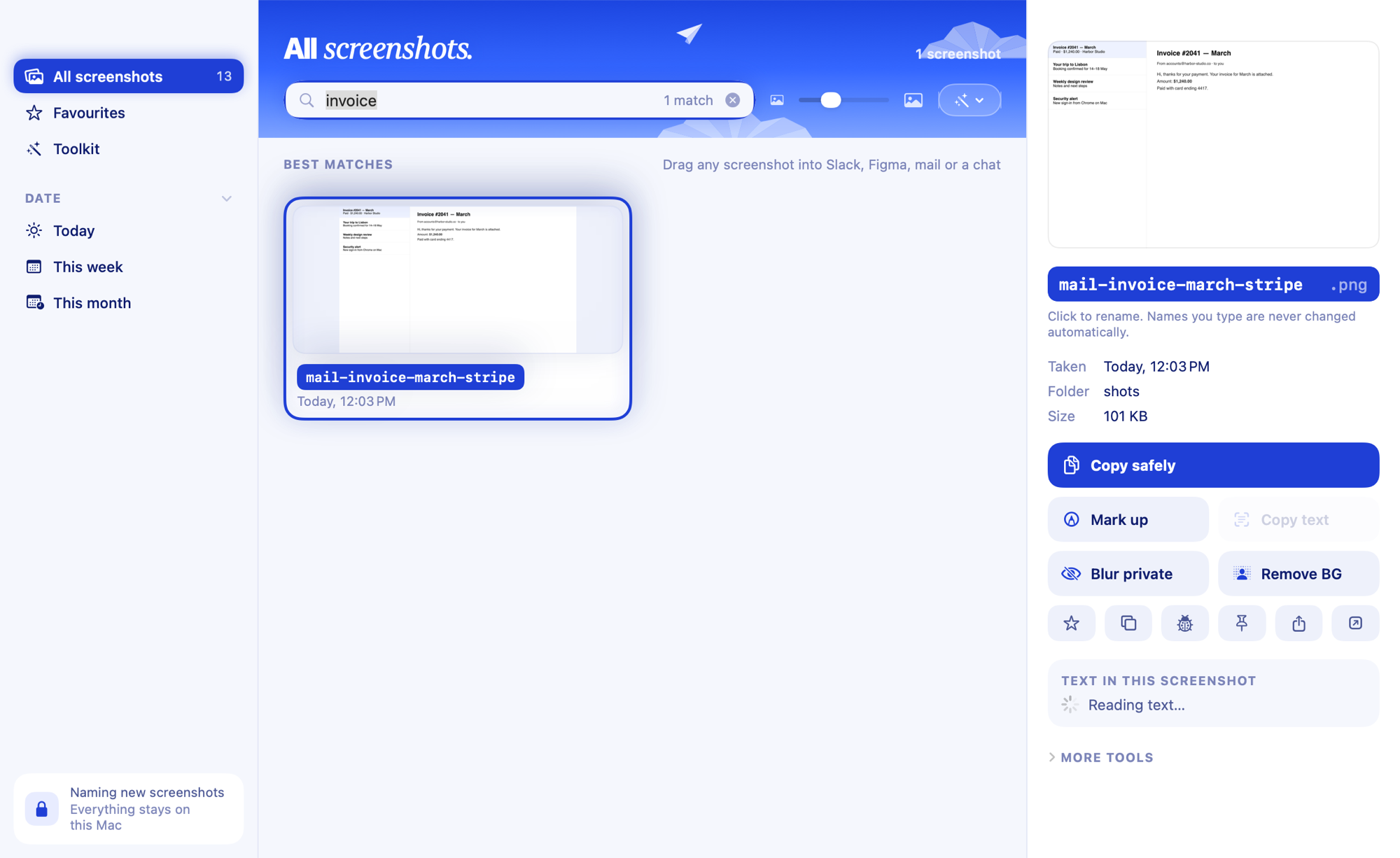
Yes. Clevershot reads the text in every screenshot on your Mac, so you can search for any word in the library. Matches are highlighted on the image, small typos still match, and you can filter by app, website or date.
Does it replace ⇧⌘4 or CleanShot X?
No. Keep using ⇧⌘4, or capture apps like CleanShot X, Shottr, Xnapper, Snagit, Skitch and Monosnap when they save to the folder Clevershot watches. Clevershot handles everything after the capture, and adds the one capture ⇧⌘4 can’t do: scrolling screenshots of long pages (⌃⌥⌘6).
Can it take a scrolling screenshot of a long page?
Yes. Press ⌃⌥⌘6, drag over the part of the screen that scrolls, then scroll down at your own pace. Clevershot joins the frames where they overlap, keeps sticky headers once, and saves one tall image that gets named like any other screenshot. It needs the Screen Recording permission, and only captures the area you pick, only while you’re capturing.
Are my screenshots uploaded anywhere?
No. Text recognition uses Apple’s Vision framework and the AI is Apple Intelligence, both running on your Mac. Clevershot makes no network calls and has no account, so your screenshots never leave your Mac.
How do I blur private info in a screenshot before sharing it?
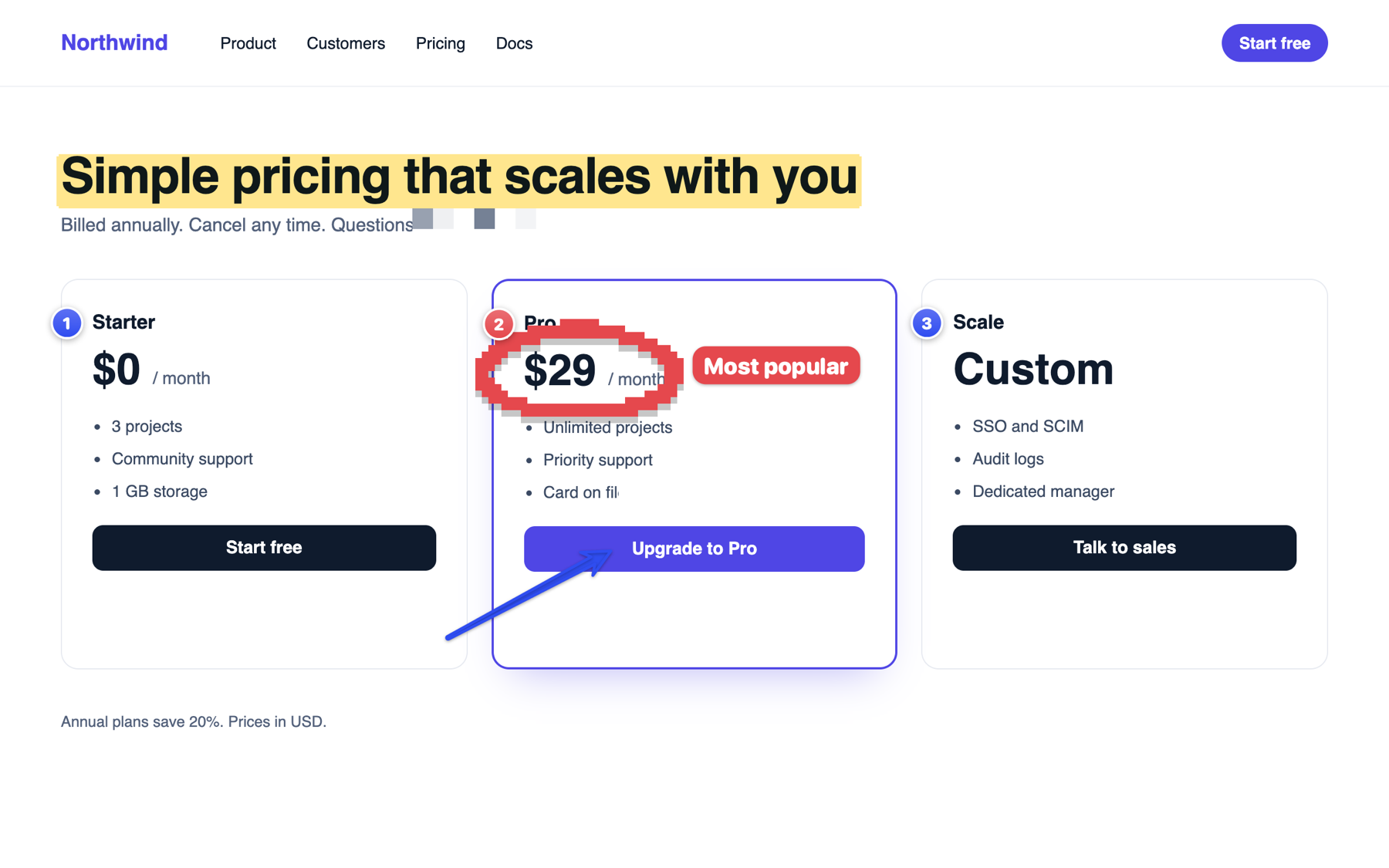
Turn on “Blur private info when copying” (Settings or the ••• menu), then click Copy on the preview card or press ⌃⌥⌘C. For a single copy, right-click a screenshot in the library and choose Copy with Private Info Blurred. Emails, phone and card numbers, keys, passwords and faces are blurred in the copy, and the original isn’t touched. In the editor, Redact hides them all in one click, as pixelate, blur or a solid bar.
Do I need Apple Intelligence?
It gives you smarter names and writes bug reports for you. Without it, Clevershot still names screenshots from the text it reads on screen, bug reports start from a text-based draft, and every other tool works the same.
Will a file name ever include private info?
No. Passwords, codes, keys, card numbers, phone numbers and email addresses are filtered out before a name is chosen.
Can it rename the screenshots I already have?
Yes. Rename old screenshots shows a name for each unnamed one you already have. Review the list, untick any you want to keep as they are, then rename them all at once.
What does auto-tidy do?
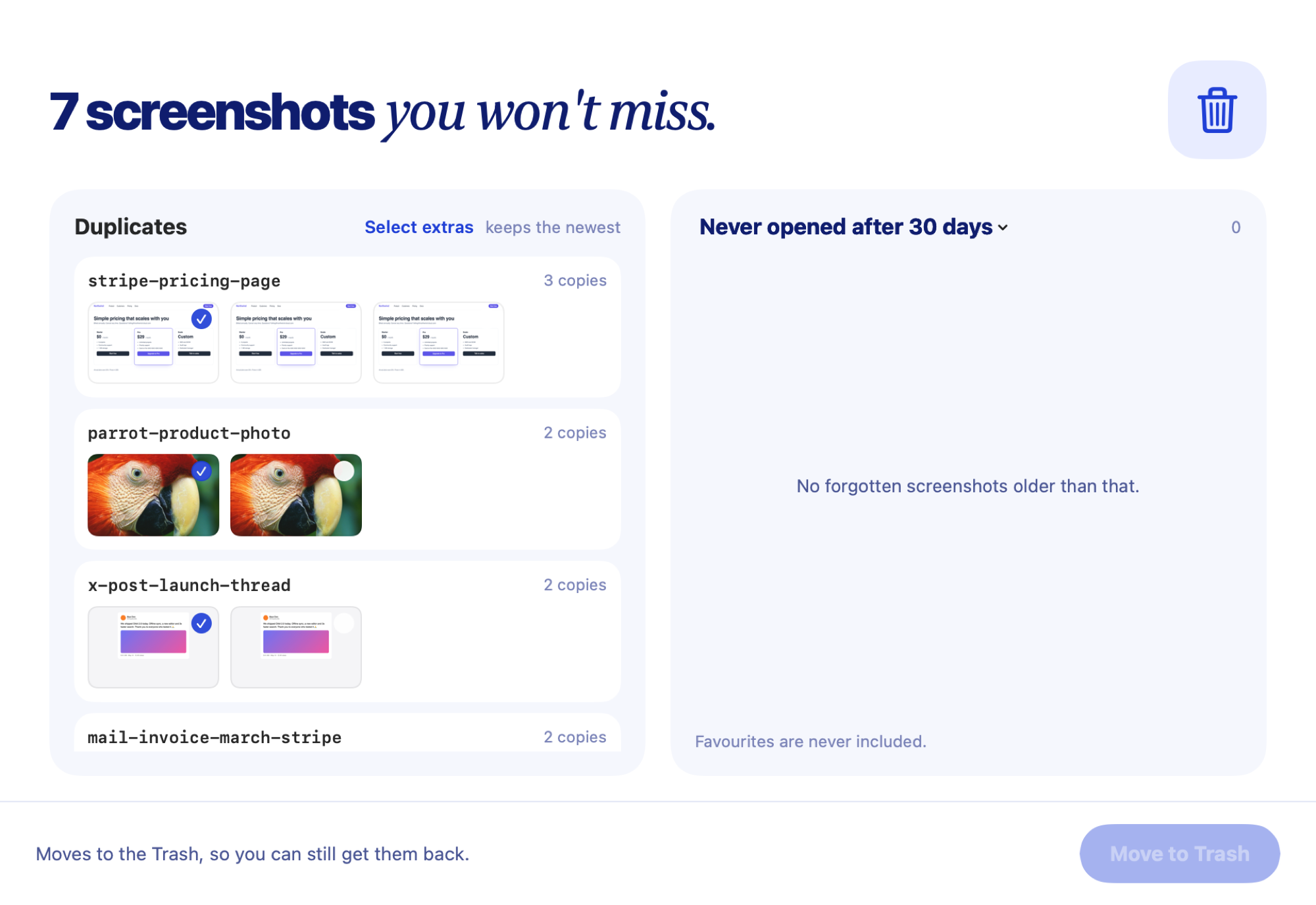
It’s off until you turn it on in Settings. Then screenshots move off the Desktop to Pictures › Screenshots after a day, where they stay in the library and search. After 30 days they move to the Bin, unless you starred them. Separately, Clean up finds duplicates and screenshots you never opened, and moves the ones you pick to the Trash.
How much does it cost?
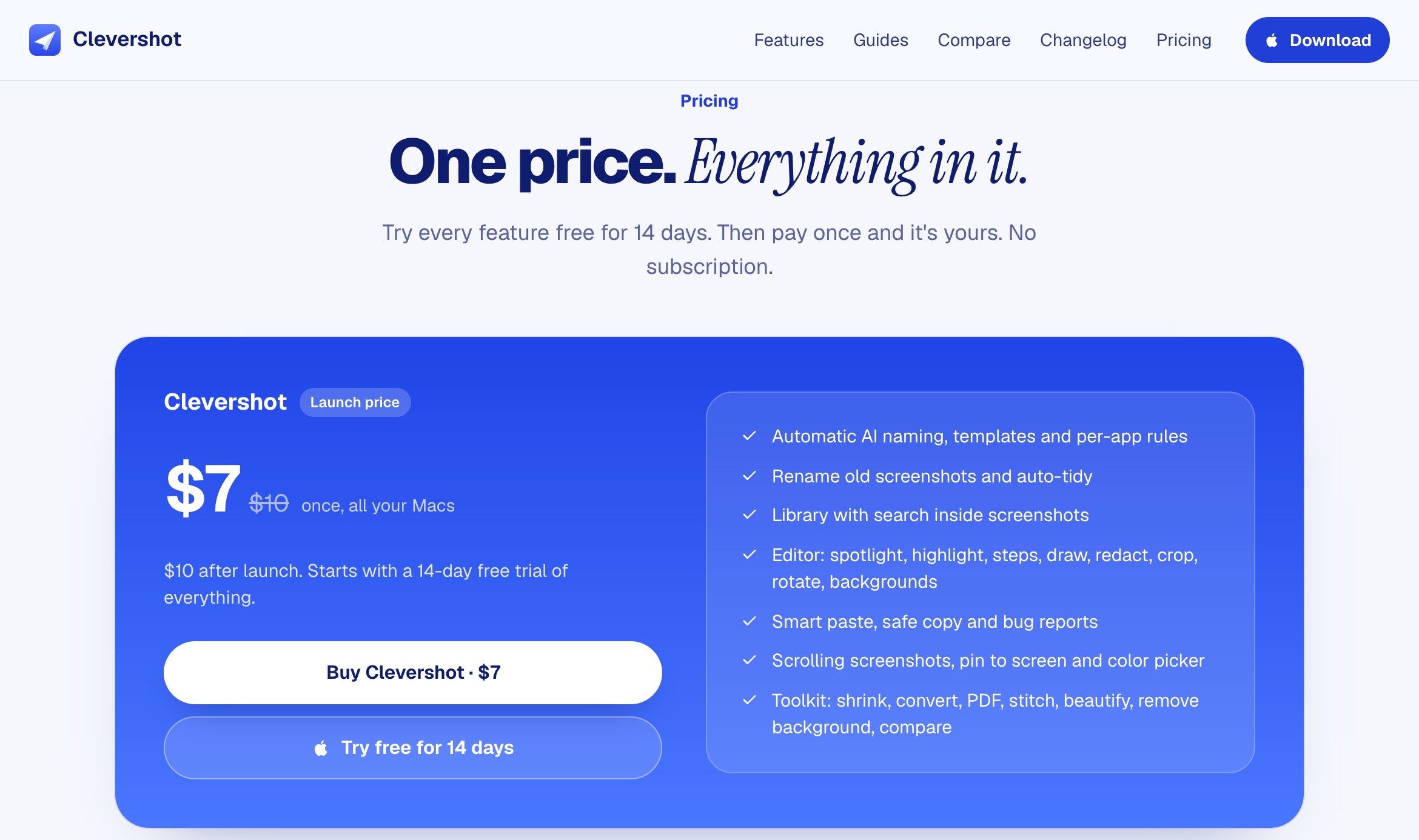
$7 once at launch, $10 after, for everything: naming, the library and search, the editor, safe copy, bug reports and the whole toolkit. No subscription. One licence key unlocks it offline on all your Macs.
Is there a free trial?
No. Clevershot needs a licence key to run. If it isn't right for you, you can get a full refund within 14 days, no questions asked.
Which Macs does it run on?
Any Mac on macOS 15 or later, Apple silicon or Intel. Smart names and AI bug reports need Apple Intelligence (macOS 26 on Apple silicon); everywhere else, names come from the text on screen and every other tool works the same.