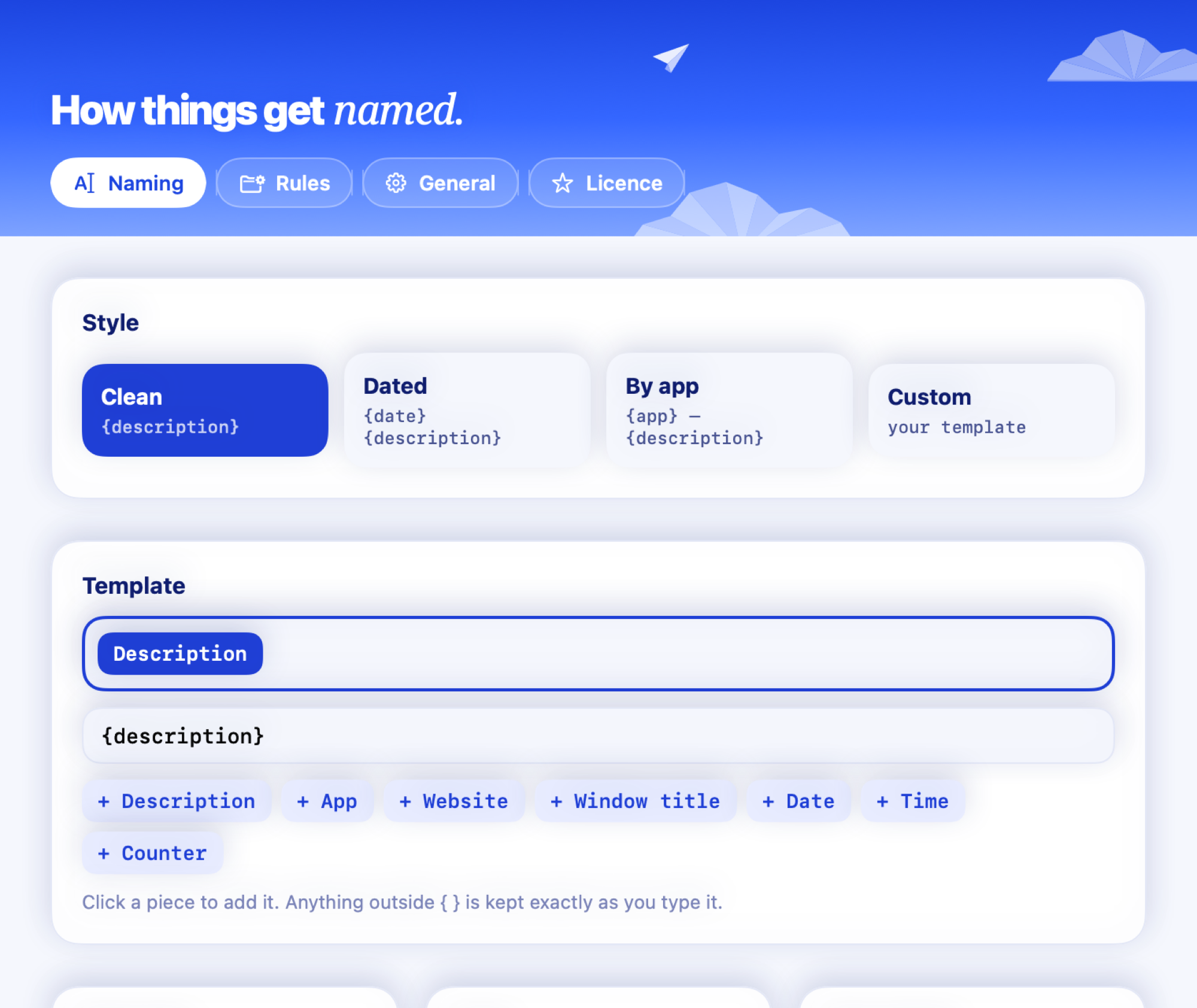
In detail
A Desktop that stays clear on its own
With auto-tidy on, Clevershot moves screenshots off the Desktop into Pictures › Screenshots after a day, where they stay searchable, and sends them to the Bin after 30 days unless you starred them. Both steps are optional and off until you turn them on.
How it works
- Move after a day: loose screenshots in your screenshot folder go to Pictures › Screenshots. Folders you made yourself are left alone.
- Bin after 30 days: only screenshots taken since you installed Clevershot, and never ones you starred. They go to the Bin, so you can put them back.
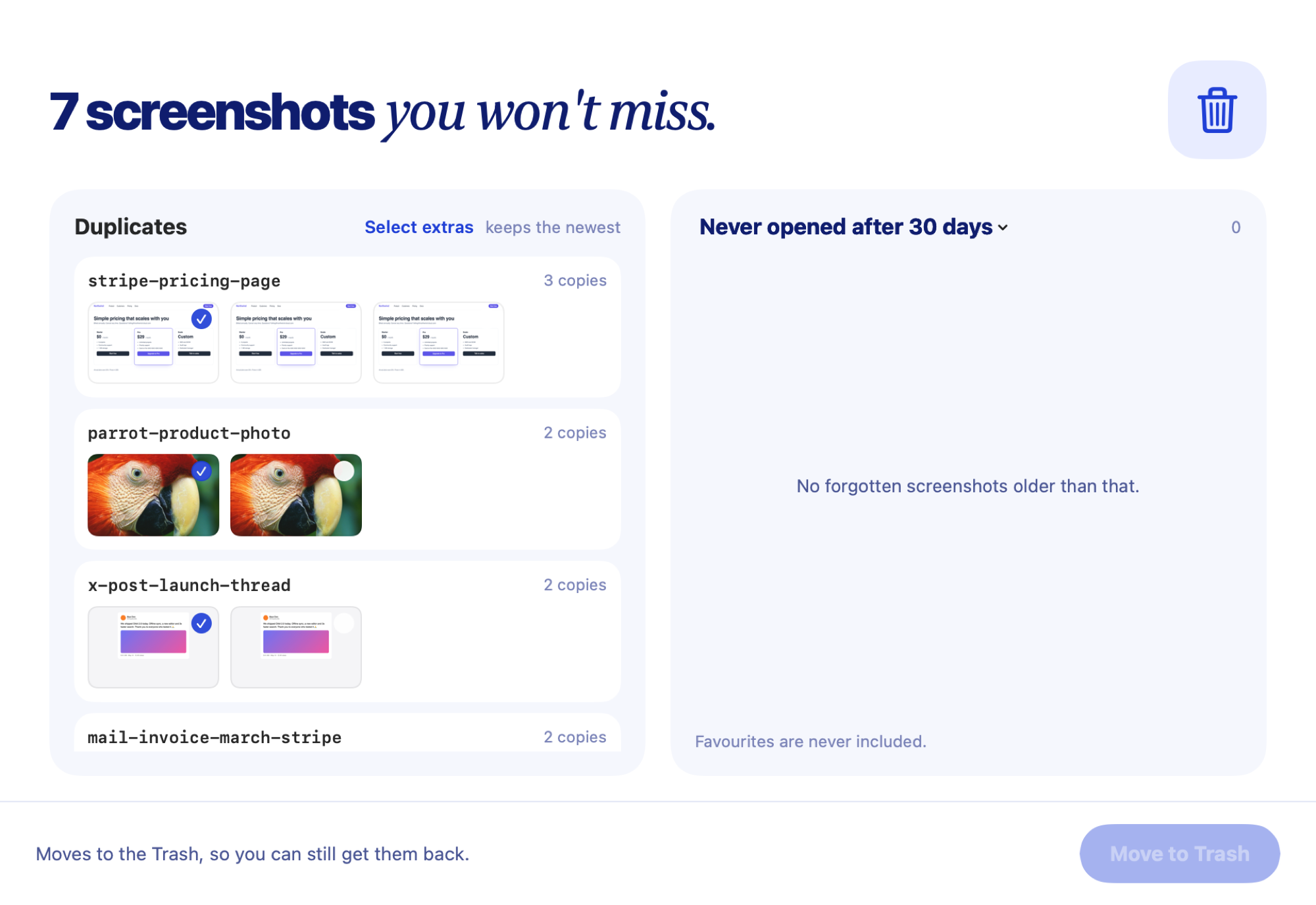
- Clean up: finds duplicates and screenshots you never opened, and moves the ones you pick to the Bin.
Prefer doing it yourself? See free ways to delete old screenshots on Mac.