Rename old screenshots
Your old pile, named in one go.
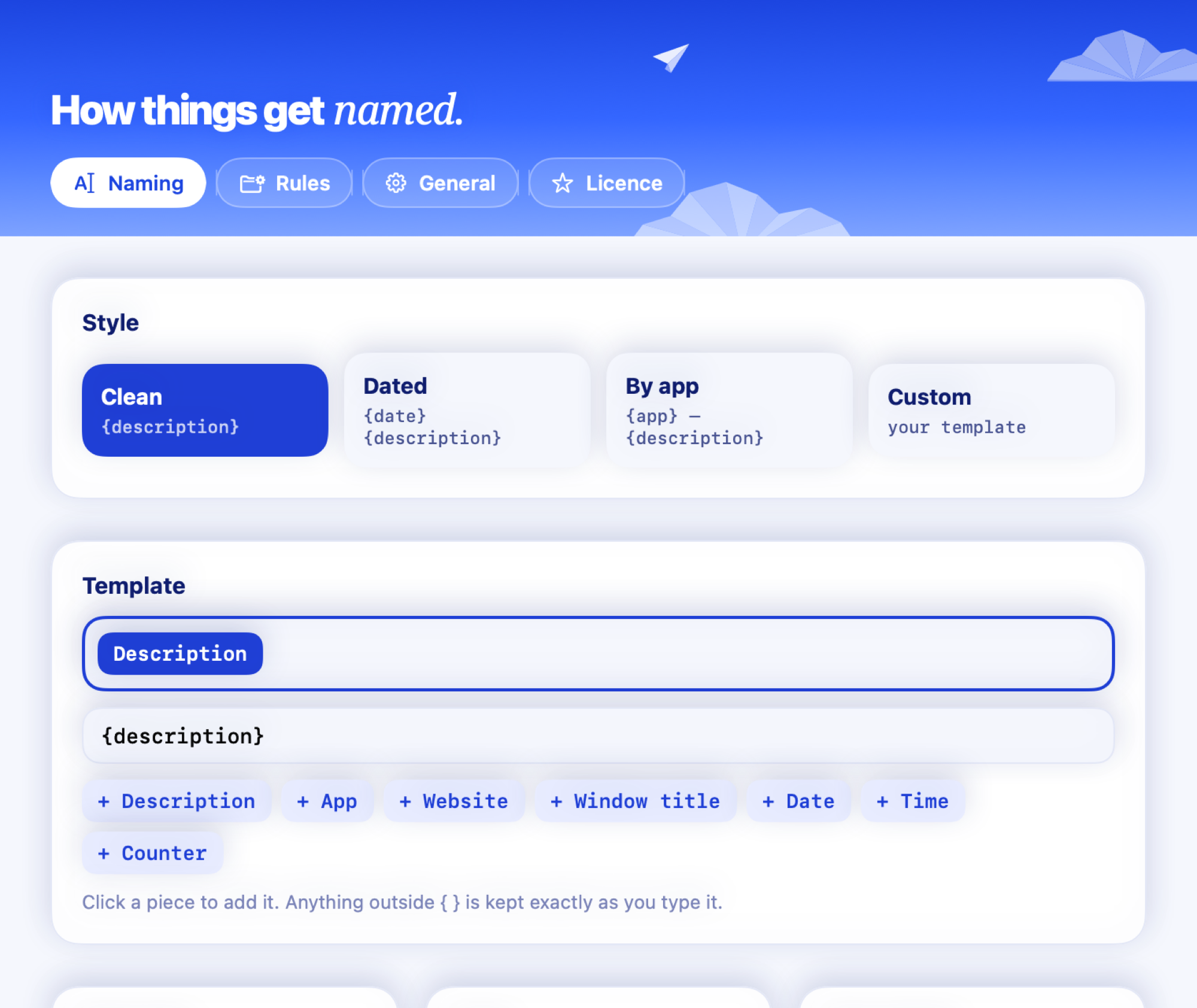
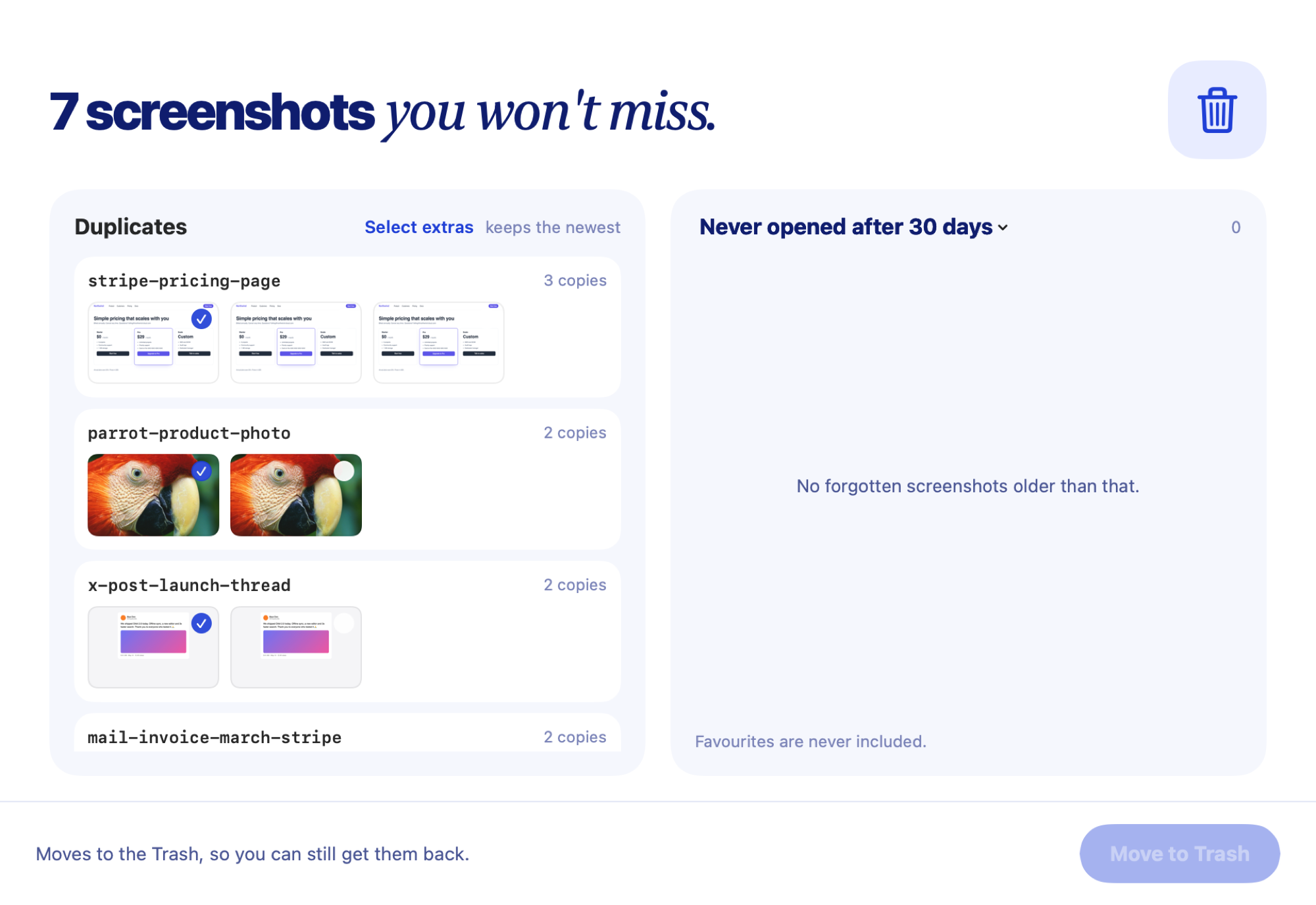
Rename old screenshots suggests a name for each one that still has macOS's default name. Review the list, untick any you want to keep, then rename them all at once.
How it works.
- 1A name for each oneEvery “Screenshot …” file gets a suggested name from what's in it.
- 2You review firstUntick any you want to keep exactly as they are.
- 3All at onceRename the whole list in one click, on your Mac.
- 4Undo per fileUndo name puts back the original whenever you want.
Get it for your Mac.
Clevershot is $7 once at launch, $10 after. One licence key, no subscription. Refund within 14 days if it isn't for you.