In detail
Every screenshot named by what's in it
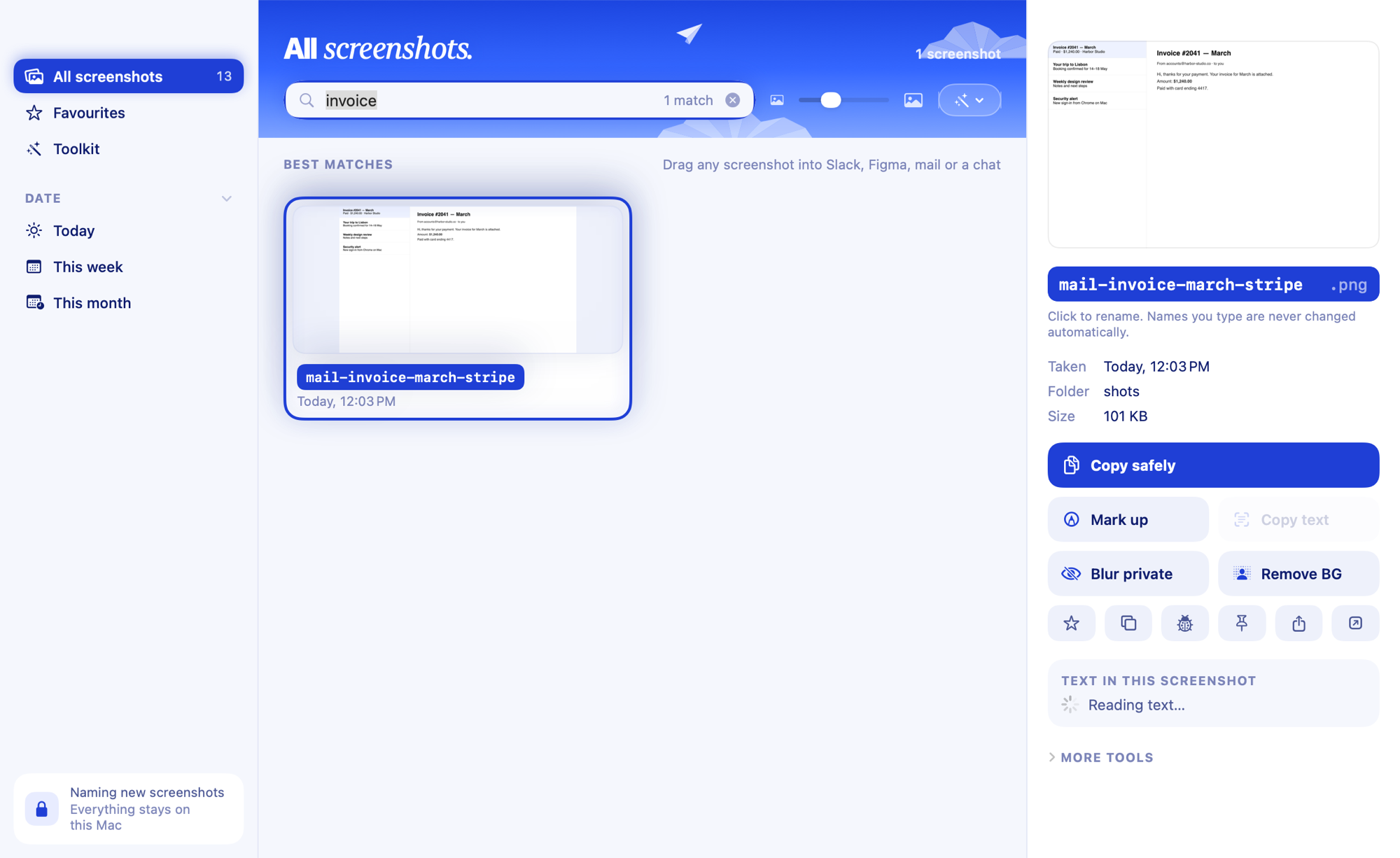
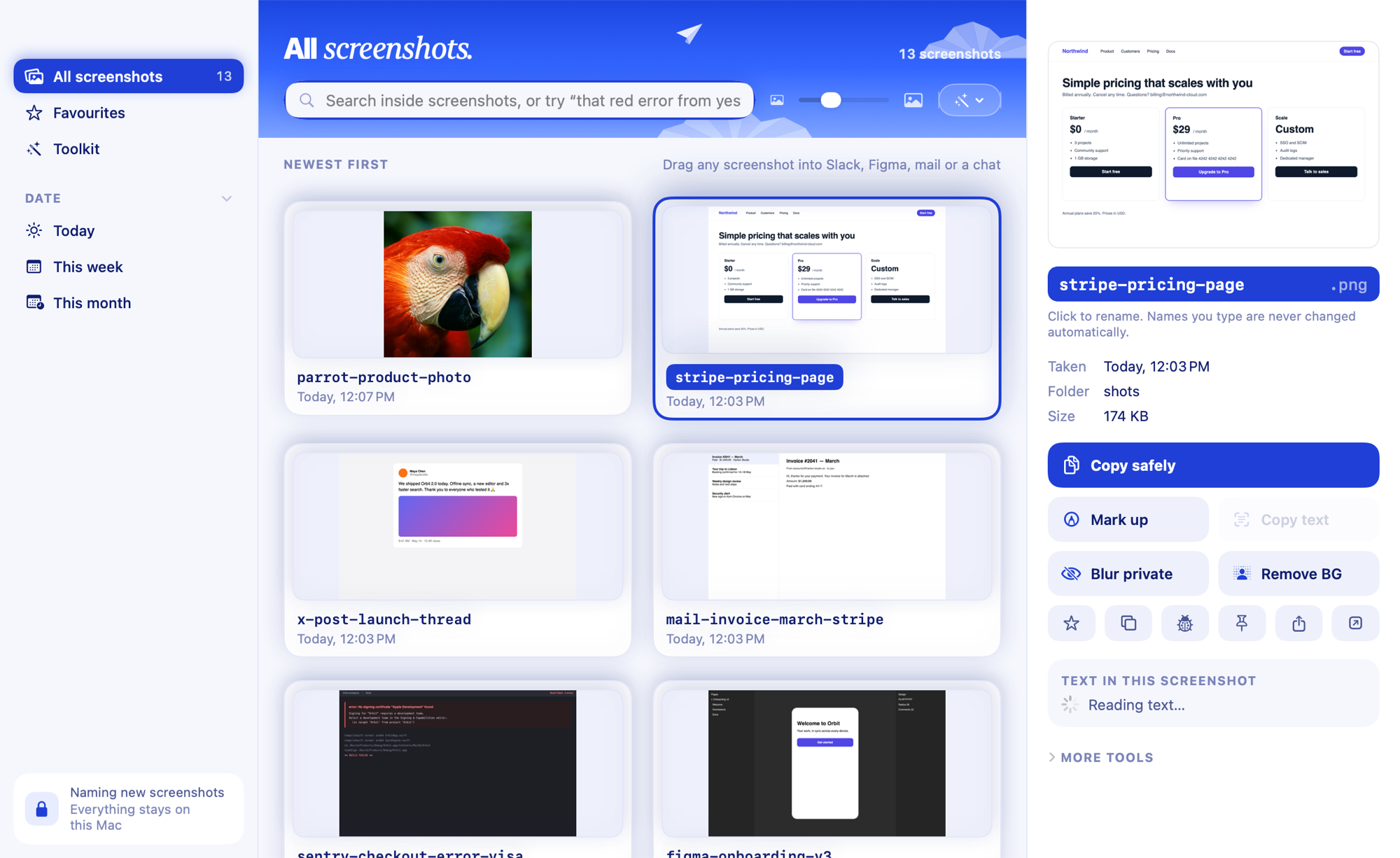
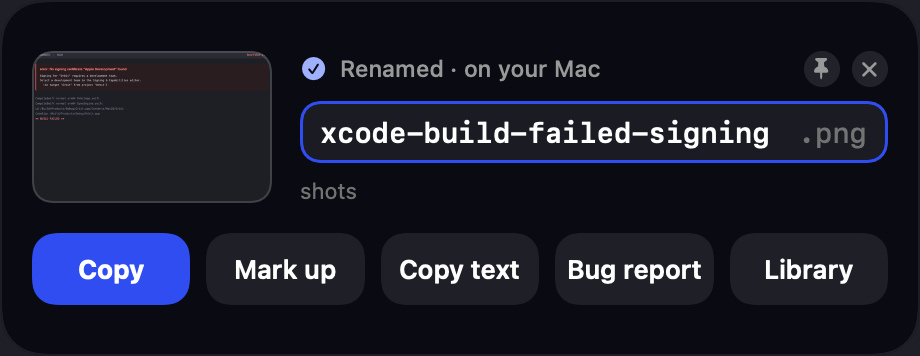
Clevershot renames each new screenshot by what's on it, about a second after you press ⇧⌘4: stripe-pricing-page.png instead of Screenshot 2026-11-09 at 4.37.53 PM.png. It reads the text with Apple's on-device text recognition, and on Macs with Apple Intelligence a smarter name follows a few seconds later. Nothing leaves your Mac.
How a name is chosen
- It notices the new file in your screenshot folder, and which app was in front when you took it.
- It reads the screenshot: every line of text, the website in the address bar, and the headline (the biggest text). Browser tabs and buttons are ignored.
- It works out what kind of thing it is: a web page, an error, a chat, a profile, a logo, a photo, a chart, a receipt.
- A quick name, in about a second: site, then topic, then kind.
tapmac-pay-once-keep,slack-launch-chat. - A smart name, a few seconds later: Apple Intelligence on your Mac turns it into what the page is:
tapmac-pricing-page. It can only use words that are in the screenshot, so it never invents a brand.
Names you'd have chosen
| Screenshot of | Name |
|---|---|
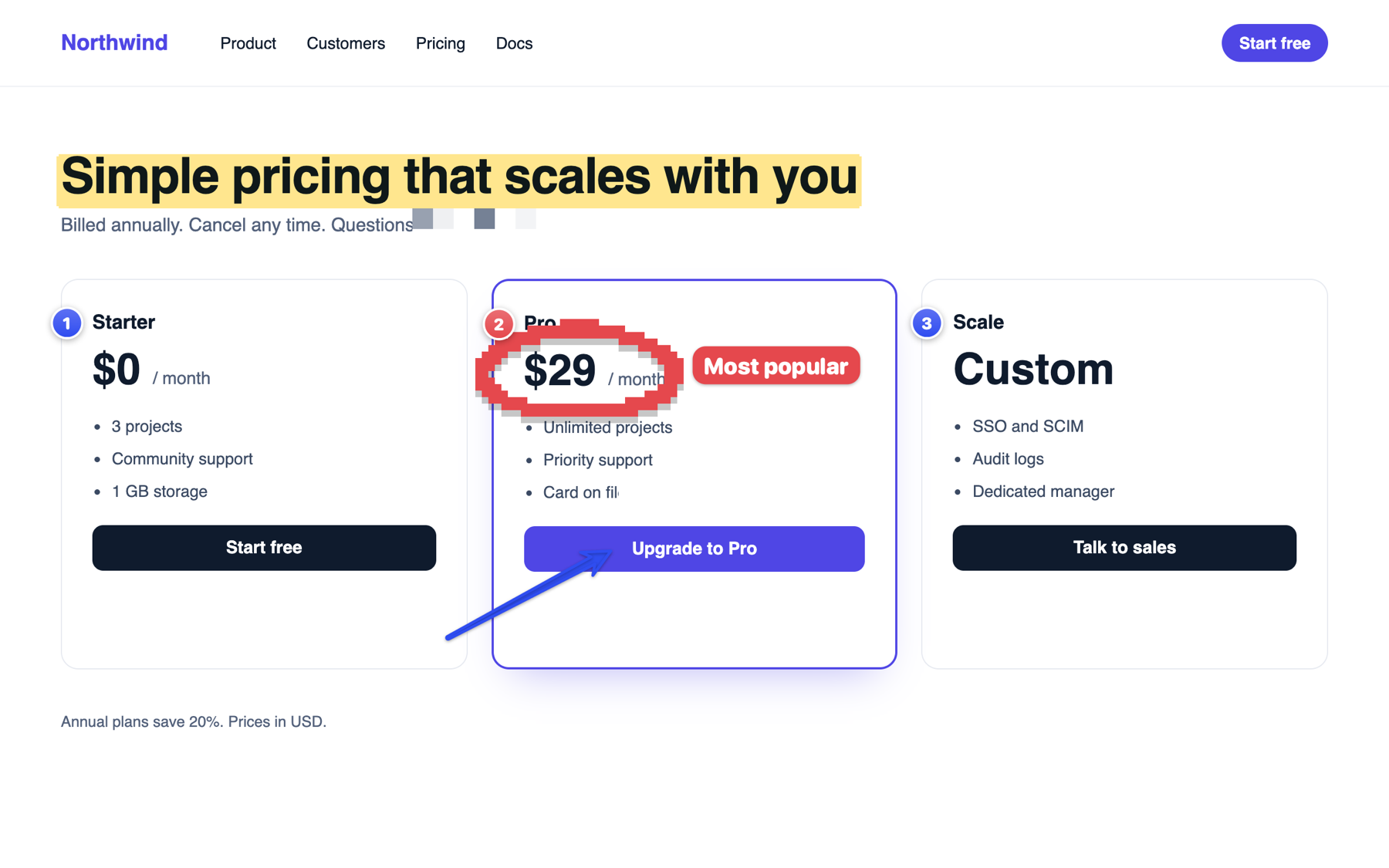
| Stripe's pricing page | stripe-pricing-page |
| A GitHub pull request "Fix login redirect" | github-pull-request-login-redirect |
| An Xcode build error | xcode-build-error-contentview |
| The #launch channel in Slack | slack-launch-chat |
| Ada Lovelace's LinkedIn profile | linkedin-ada-lovelace-profile |
| A photo of a dog on a beach | dog-on-beach-photo |
Your style, not the AI's
- Presets: Clean
stripe-pricing-page, Dated2026-11-09 stripe-pricing-page, By appChrome – Stripe Pricing Page. - Templates from the description, app, website, window title, date, time and a counter.
- Dashes, underscores or spaces; lowercase or Title Case; short or detailed.
- Your own instruction, for example "always start with the client name".
- Per-app rules: iPhone Simulator screenshots become
bug-…and go to a Bugs folder. - Folders: sort into folders by app or month, if you want.
Safe by design
- Passwords, codes, keys, card and phone numbers, email addresses and your own name are never put in a file name.
- Never overwrites: if a name is taken, it adds a number.
- A name you type is yours, and is never replaced.
- Undo name puts back macOS's original name.
- Everything runs on your Mac. No uploads, no account.
Works with what you already use
Keep pressing ⇧⌘4 or ⇧⌘5. Screenshots from CleanShot X, Shottr and other capture apps are named too, when they save to the folder Clevershot watches. Screenshots you already have can be renamed in one reviewed batch.
Smart names use Apple Intelligence, on macOS 26 with an Apple silicon Mac. On other Macs (macOS 15 or later, Intel included), names come from the text on screen, and every other feature works the same.
Questions
What if a screenshot has no text?
Photos are named by what's in them (dog-on-beach-photo), and logos by whose logo they are. With nothing to go on, the name falls back to the app and the kind of screenshot.
Can it tell which product a cropped pricing table belongs to?
Only if the name is somewhere it can read: the address bar, a logo, the text, or the page address from your browser if you allow it. It doesn't guess brands, because a wrong product name is worse than a plain one.
Does it rename screenshots I already have?
Yes, with Rename old screenshots. You review the proposed names, untick any to keep, then rename them all.